This month’s update gives you better visibility into your services and across your network as a whole – bringing you variant-level reporting, flat file data augmentation, and a platform that works in your language. Here’s what’s new in Mosaiq Insights in June.
Go Beyond Service Aggregates With Variant-Level Reporting
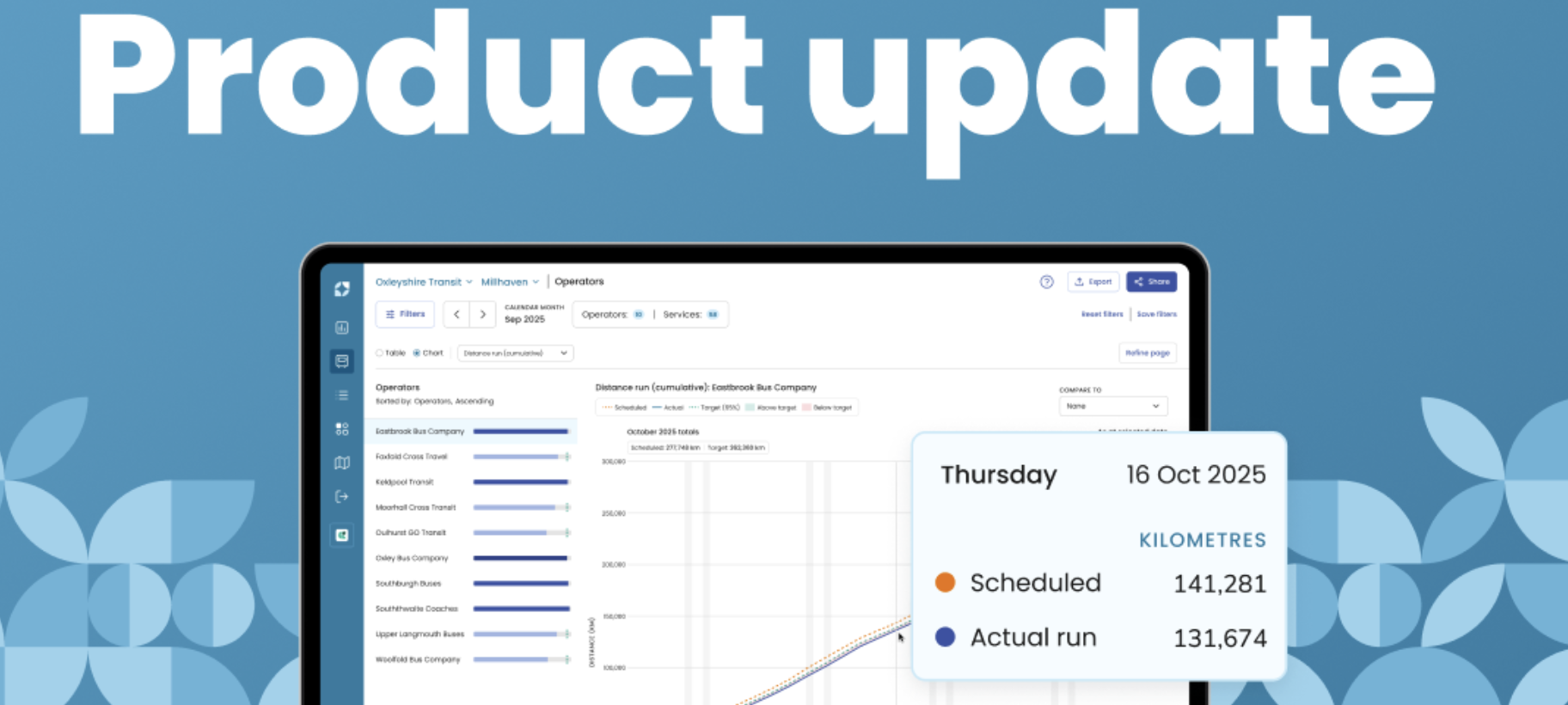
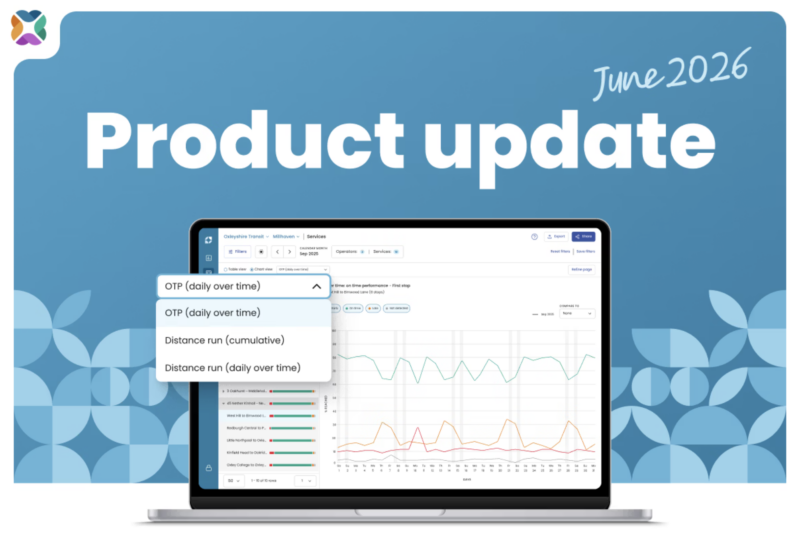
You can now track on-time performance (OTP) and distance run for each variant of a service over time. Where previously Insights surfaced aggregated service performance, you can now drill into the individual variants that make up a service – for example, Service 1 may have a variant with an “express” sequence of stops – and see how each is performing across your chosen date range.
Service-level performance can hide a lot. A service that appears to be performing well overall may have one variant consistently running late while another runs early. Variant-level reporting makes those patterns visible so you know exactly where to intervene.
View individual variant performance using the new Chart view toggle and drop down on the Service details page.
Get a More Detailed View of Your Network by Combining Real-Time and Flat File Data
Our team can now augment your real-time Mosaiq data with flat files – for example, ticketing machine data or vehicle telematics feeds – to give you a more complete picture of network performance.
This matters when your real-time feed doesn’t tell the whole story. Telematics feeds, for instance, can enrich vehicle location reporting. Ticketing data can help you understand the relationship between service reliability and passenger volumes.
The result is a stronger, more contextualised dataset – one that helps you move from reporting on what happened to understanding why.
Note: Flat file augmentation can only be done by the Mosaiq team. If you are interested, please get in touch.
Use Mosaiq Insights in Your Preferred Language
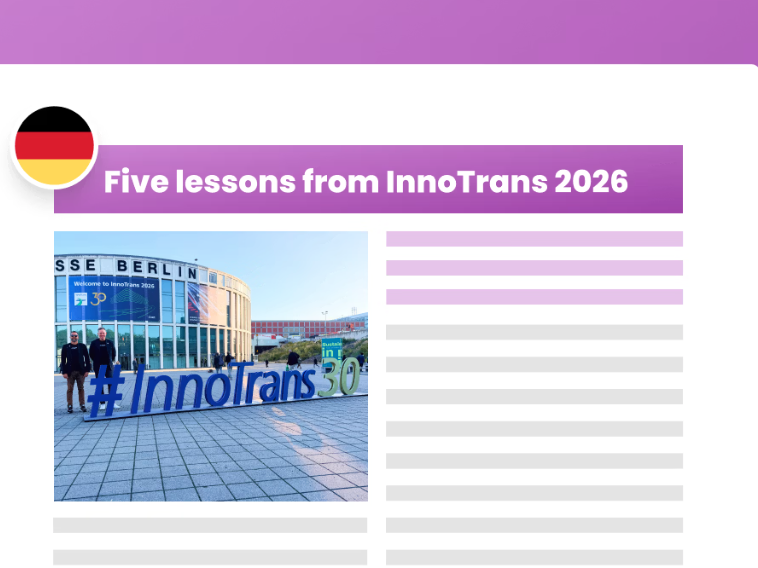
Mosaiq Insights now supports eight languages. Use the new language switcher to view and analyse your data in English (UK, NZ, CA), French (CA), German, Spanish, Portuguese, or Italian.
This update makes Insights more accessible to teams across Europe and the Americas, where working in a second language adds friction to an already data-heavy workflow. Operators and authorities can now use the platform in the language they work in every day.
Find the language switcher at the top right of your screen at sign in. After sign in, you’ll find the switcher in the left nav bar. Your selection is saved per user, so each team member can work in their preferred language independently.
Stay Connected
Want to be the first to know about the latest Mosaiq updates? Make sure to check our Release Notes regularly. To get monthly updates direct to your inbox, sign up to our mailing list.
This article was originally published by Snapper Services.